AWS DevOps gives teams speed, automation, and scale. It joins development and operations on a single cloud platform. Beginners often struggle during the early phase. They tend to use AWS services and scripts without clarity. This creates design flaws and security gaps. It also causes deployment failure and cost issues. Aspiring professionals can join the AWS DevOps Course to learn everything from scratch and learn every industry-relevant skill. Keep reading this section to understand the common errors beginners face when working with AWS DevOps.
Common AWS DevOps Errors Beginners Face
Here’s a list of the common AWS DevOps errors.
1. Weak Understanding of IAM Policies
Identity and Access Management controls access inside AWS. Many beginners attach AdministratorAccess to users. This creates a serious security risk. IAM works on policies written in JSON. Every policy defines Effect, Action, and Resource. Beginners often misconfigure these fields. They allow broad access to all resources.
Example of a risky policy:
{
"Version": "2012-10-17",
"Statement": [
{
"Effect": "Allow",
"Action": "*",
"Resource": "*"
}
]
}
This policy gives full access to everything.
A secure approach uses least privilege. It allows only required actions.
Example of controlled S3 access:
{
"Version": "2012-10-17",
"Statement": [
{
"Effect": "Allow",
"Action": ["s3:GetObject"],
"Resource": "arn:aws:s3:::my-bucket/*"
}
]
}
Beginners ignore IAM roles for EC2 and Lambda. They store access keys inside code. This practice exposes credentials. Always use IAM roles attached to services.
2. Poor Infrastructure as Code Design
Beginners use AWS Console for manual setup. They avoid Infrastructure as Code tools like CloudFormation or Terraform. Manual setup causes configuration drift. CloudFormation templates define infrastructure in YAML or JSON. Beginners often hardcode values. This reduces flexibility.
Example of a simple CloudFormation resource:
Resources:
MyEC2Instance:
Type: AWS::EC2::Instance
Properties:
InstanceType: t2.micro
ImageId: ami-0abcdef1234567890
Many beginners forget to use parameters. They also ignore outputs. They create duplicate stacks instead of reusable modules.
In Terraform, beginners misuse state files. They store terraform.tfstate in local systems. This causes team conflicts.
Correct backend configuration example:
terraform {
backend "s3" {
bucket = "my-terraform-state"
key = "dev/terraform.tfstate"
region = "ap-south-1"
}
}
State must stay in S3. Additionally, locking must remain enabled using DynamoDB.
3. Incorrect CI/CD Pipeline Configuration
CI/CD pipelines form a major part of AWS DevOps. Beginners fail to use AWS CodePipeline and CodeBuild correctly, thus leading to errors. They skip environment variables. They ignore the build specifications.
A basic buildspec.yml looks like this:
version: 0.2
phases:
install:
commands:
- npm install
build:
commands:
- npm run build
artifacts:
files:
- '**/*'
Beginners forget to define artifacts correctly. Deployment then fails.
Many beginners deploy directly to production. They skip staging environments. They also ignore automated tests in pipelines. A proper pipeline must include source, build, test, and deploy stages. It must fail early when errors appear. AWS Certified DevOps Engineer training validates your skills in deployment, monitoring, security, and continuous delivery practices.
4. Misconfigured Networking and Security Groups
Beginners might get confused with VPC networks. They do not understand public and private subnets. They place databases in public subnets. This exposes data. Security groups also create problems. Beginners open all ports.
Beginners also skip AWS CloudTrail. This prevents audit tracking. Logs must move to centralized systems. Use CloudWatch Logs or OpenSearch for analysis.
6. Cost Management Mistakes
AWS follows pay as you use model. Beginners forget to stop unused EC2 instances. They leave Elastic IPs unattached. They ignore data transfer charges. Many beginners do not set billing alerts.
Example CLI command:
aws budgets create-budget \
--account-id 123456789012 \
--budget file://budget.json
They also choose wrong instance types. They use on-demand instead of reserved or savings plans. Always enable AWS Cost Explorer. Tag resources properly.
7. Weak Container and Kubernetes Practices
Beginners jump to using Amazon EKS before mastering Kubernetes basics. They deploy pods without resource limits, which exhausts the node.
Example of resource limits in Kubernetes:
resources:
requests:
memory: "256Mi"
cpu: "250m"
limits:
memory: "512Mi"
cpu: "500m"
They also store secrets in plain text inside YAML files. Always use Kubernetes Secrets or AWS Secrets Manager.
8. Lack of Automation and Testing
DevOps depends on automation. Beginners perform manual deployments. They test in production.
Use automated tests inside pipeline:
npm test
Use infrastructure validation with:
terraform validate
terraform plan
Automation reduces human error. Testing ensures reliability.
Conclusion
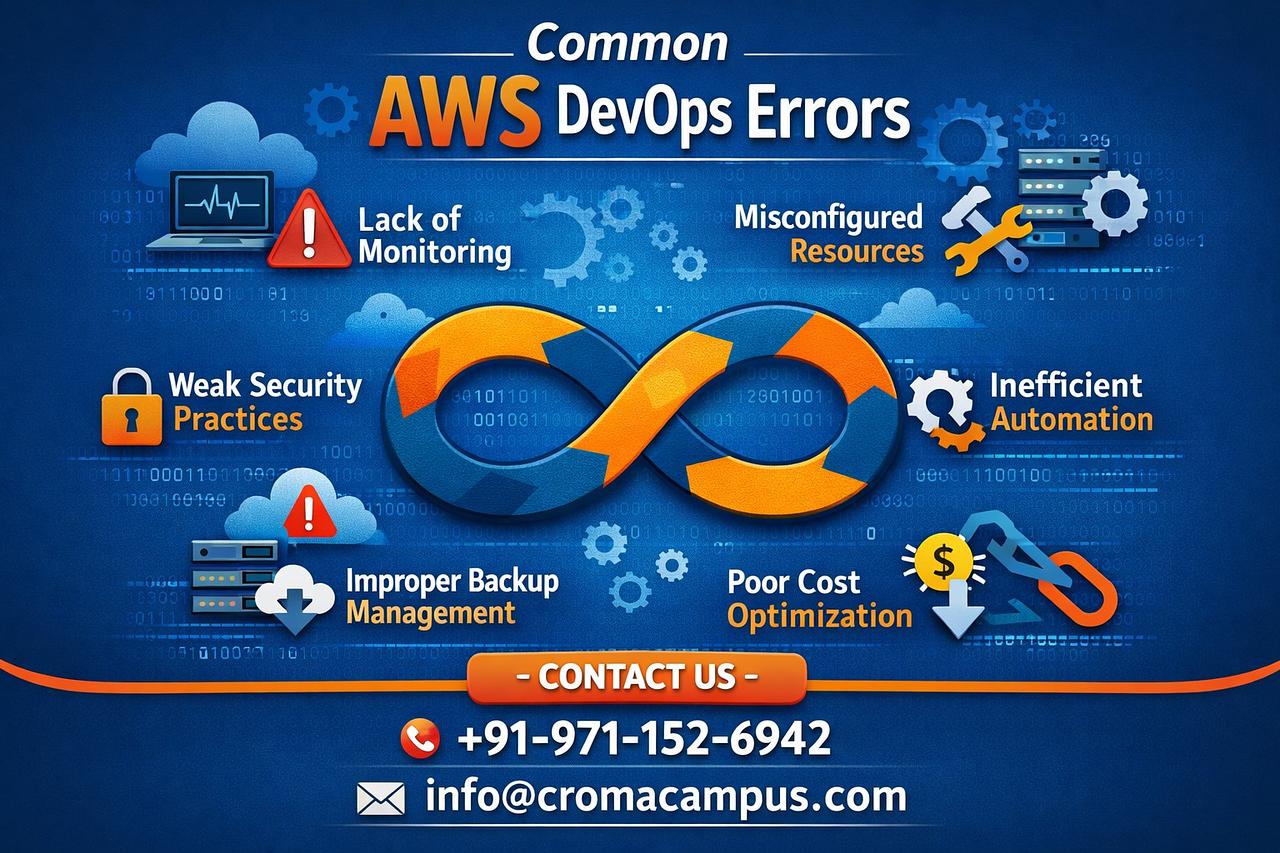
AWS DevOps gives power and flexibility. Beginners face many technical errors. Most errors come from weak fundamentals. Poor IAM control creates a security risk. Manual infrastructure causes drift. Weak pipelines lead to failed deployments. Incorrect networking exposes systems. Missing monitoring hides failures. Cost mistakes increase bills. Poor container practices reduce performance. You can avoid these issues with structured learning and hands-on practice. Aws DevOps Course in Visakhapatnam provides hands-on training with real-time projects and expert guidance. Use least privilege access. Use Infrastructure as Code. Build proper CI CD pipelines. Secure your network. Monitor everything. Automate every step. When you follow these principles, you build stable and scalable AWS DevOps systems with confidence.
Post a reply